My first really edited fabrication video. I'd like some feedback, you don't mind?
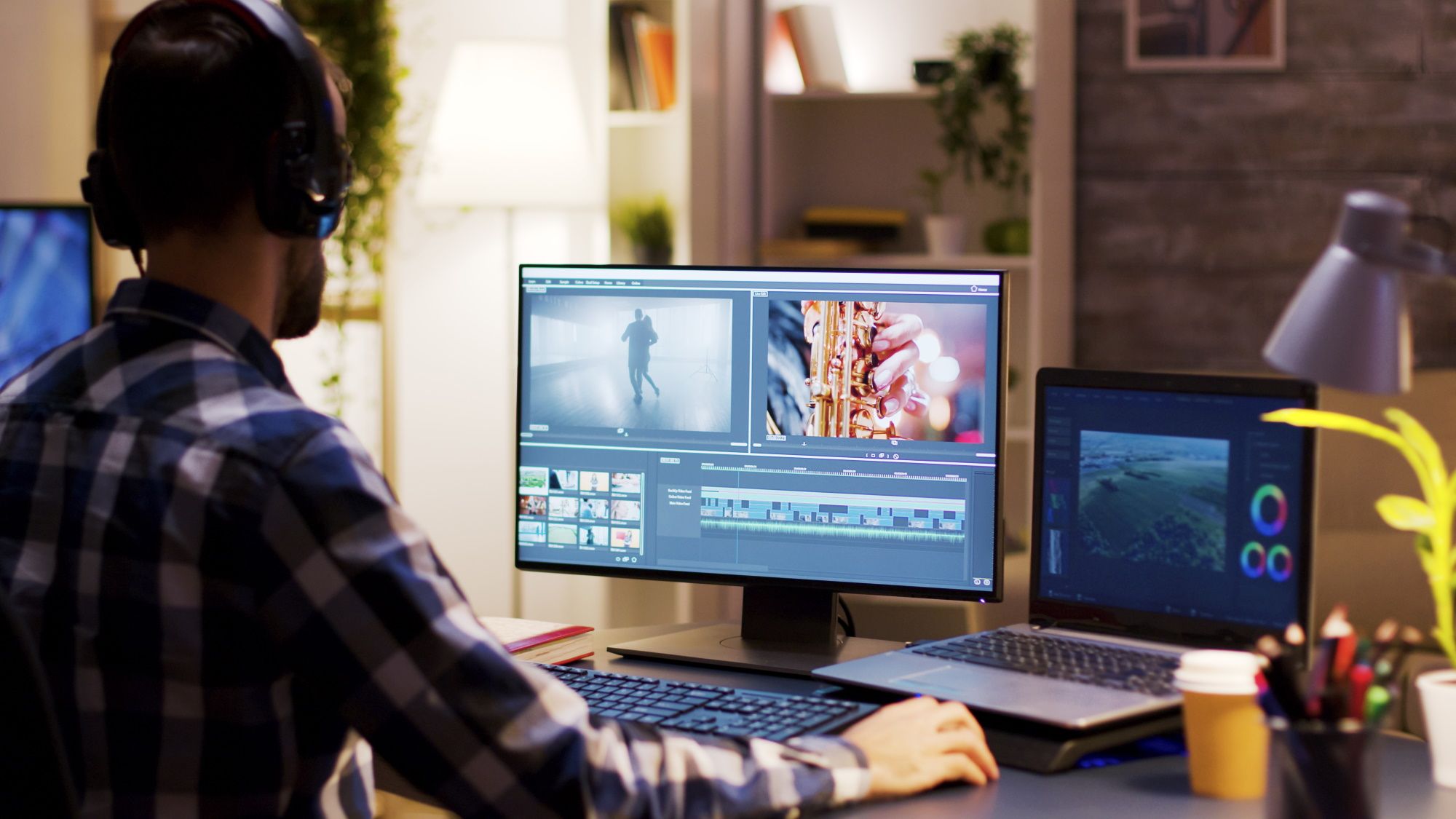
Learning the ropes of editing, so it's not great. And I hate that I filmed this in vertical phone video, but I'll do better in the future. Using Shotcut for editing, figuring out how to cut and splice, add muzac and adjust volume levels, etc. This is a pretty simple process, but it was what I had to get into the video editing game.
If not cooking outdoors, I am cooking on the stovetop with my 14" carbon steel wok, 12" CI skillet, or in the oven with my two Lodge CI pizza pans, or two dutch ovens. I've also got a nifty Lodge carbon steel grill pan that rocks for veggies outdoors.
I like the content. I can't imagine using the plasma cutter with all that water running out over it at the same time! Not sure how you were able to keep to a precise circle with all that going on!
One comment - I was waiting to see if you put on eye protection, or at least pulled your sunglasses down. I would suggest that, to set an example of "safety" if you are showing folks how to use a plasma cutter or welder on a project. We don't want to promote "Safety 3rd" like the guys on "Rocket City Rednecks" - a show that made Huntsville Alabama engineers look like crazy hicks...
Aside from that, I like the editing. And it really is a shame it was in protrait mode, as it made the video so much smaller than it could have been, here on a 27" computer screen. It would be great for Instagram/Tiktok crowd though. I think you may need to produce a video that is in portrait mode to show properly on phone screens that way, versus embedding it into landscape video with the black bands to left/right.
I like the content. I can't imagine using the plasma cutter with all that water running out over it at the same time! Not sure how you were able to keep to a precise circle with all that going on!
One comment - I was waiting to see if you put on eye protection, or at least pulled your sunglasses down. I would suggest that, to set an example of "safety" if you are showing folks how to use a plasma cutter or welder on a project. We don't want to promote "Safety 3rd" like the guys on "Rocket City Rednecks" - a show that made Huntsville Alabama engineers look like crazy hicks...
Aside from that, I like the editing. And it really is a shame it was in protrait mode, as it made the video so much smaller than it could have been, here on a 27" computer screen. It would be great for Instagram/Tiktok crowd though. I think you may need to produce a video that is in portrait mode to show properly on phone screens that way, versus embedding it into landscape video with the black bands to left/right.
Yes I agree with both your points. Unfortunately, seeing where I was cutting in bright daylight was too difficult with sunglasses on. And the plasma arc isn't that bad in that situation. I do put them glasses on in darker environments, and the plasma arc lights the surroundings enough to see. But doesn't work quite as well in sunlight. I do wish I had filmed it differently though.
In the future I will be doing multiple camera shots/angles, I think I can do two, but of course will require a lot more editing savvy. I have a GoPro style camera I can use for that, and probably will, especially in some environments. But this is just my first try. So, I'm learning as I go - and as you can tell from the green grass, this was last spring, in late April/early May, I think.
Originally posted by DogFaced PonySoldierView Post
Using Shotcut for editing, figuring out how to cut and splice, add muzac and adjust volume levels, etc. This is a pretty simple process, but it was what I had to get into the video editing game.
I suggest using Adobe Premiere Rush or Premiere Elements for video editing. As your skills improve, you'll see more ways to refine your work. If you're like me, you'll end up graduating to Premiere Pro. By starting in the Adobe ecosystem you'll get a good familiarization with it.
Final Cut Pro is what I use for all my editing, so my tech tips won’t be useful, but you’re off to a great start…because you actually made a video! A lot of people don’t get to that step, so keep at it!
Best way to get better is to keep making videos. Make videos of random things in life that you have no intention of sharing with anyone - like putting away the groceries, pulling weeds, walking to the mailbox, a “how to take a coat out of the closet” tutorial, etc - it’ll get you extra editing “reps” and you’ll make fast advances in video quality, and you’ll learn the software controls so editing will become faster.
You’ll learn more about shot composition, storytelling, and you’ll find yourself planning head on videos with certain shots you’ll want to get with your end result in mind.
One technical thing to help this video would be changing the frame size of the video. Not sure if your software can do it, but your vertical video is set in a horizontal frame, so even on mobile it’s a wide screen video with black bars on the side. If you set the video to vertical it will still have the bars for people watching on desktop, but mobile viewers will see full screen video.
Transitions are mostly good, I like the quick flip/slide you're using as it's not jarring or annoying. As mentioned, you wanna make sure you're using your PPE or comments on your vids will be all about that vs questions about things you may have left out subject wise.
Length wise, I feel like you sped up the right parts and respect anyone that shows their oopses too. I would suggest moving the oopses to the end of the video OR if you are trying to monetize views, release a second video the next day or later in the week with your oopses and an overlay discussion on what you think you could have done better. Even better if you address a few comments from the previous video.
The one part where you say you're gonna flip the camera around was really the on unnecessary footage IMO. For stuff like that, unless you change something with the target of the video, there's no need to mention changes to filming.
Looking forward to the next vid. Seen lots of step by step photos of the process, but don't think I've seen a video series that wholly captured a smoker build.
Very nice to see you making a video! Good stuff. Landscape mode from now on please 😄
So, here are some friendly suggestions as I’ve made at least 100 YT videos by now. I’m no expert, I just thought I’d share my learnings.
First off, I’m on a Mac. So I used the included video editing tool. It has 95% of the stuff you need, and is free. Not sure what computer you use. It can auto-adjust sound levels, remove background noise etc. And it’s easy to use.
1. Always cut out the parts where you grab the camera from the tripod to do a handheld section. It doesn’t add anything, just replace it with any short transition effect (pick a short/neutral one that gets the job done but doesn’t steel focus from the content).
2. I pay a lot of attention to what I call ”pace” when I edit. I view the end result several times to see the vid as the end viewer. Are some sections getting too long and boring, or does the video and what you are trying to convey move along in a good way? Can I break up 2 minute snippets where I ’just’ talk to make the video more interesting? This is to avoid loosing the viewers interest.
For #2 I think through beforehand what I want to convey with the video. Why am I making it, what am I trying to share or teach? I don’t write anything down, but I keep a playbook or script of sorts in my head. This helps greatly with filming it, as I know roughly which parts need to be included and in what order. And once you get more comfortable doing this you start to think of different ways of how to film certain steps in the process. As an example: How many different ways can you film ”lighting the charcoal in a grill”. It’s part of almost all my vids, kind of boring, but at the same time I think it’s expected, and it acts as a teaser 3-4 minutes into the video to keep the viewers interest, and set the stage for the next phase in the video.
I’ll see if I can think of more things, but I think the video was good. Can’t believe it’s your first, keep up the good work and keep ’em coming!





Comment